Harrow
A downloadable game for Windows and macOS
Defend the valley
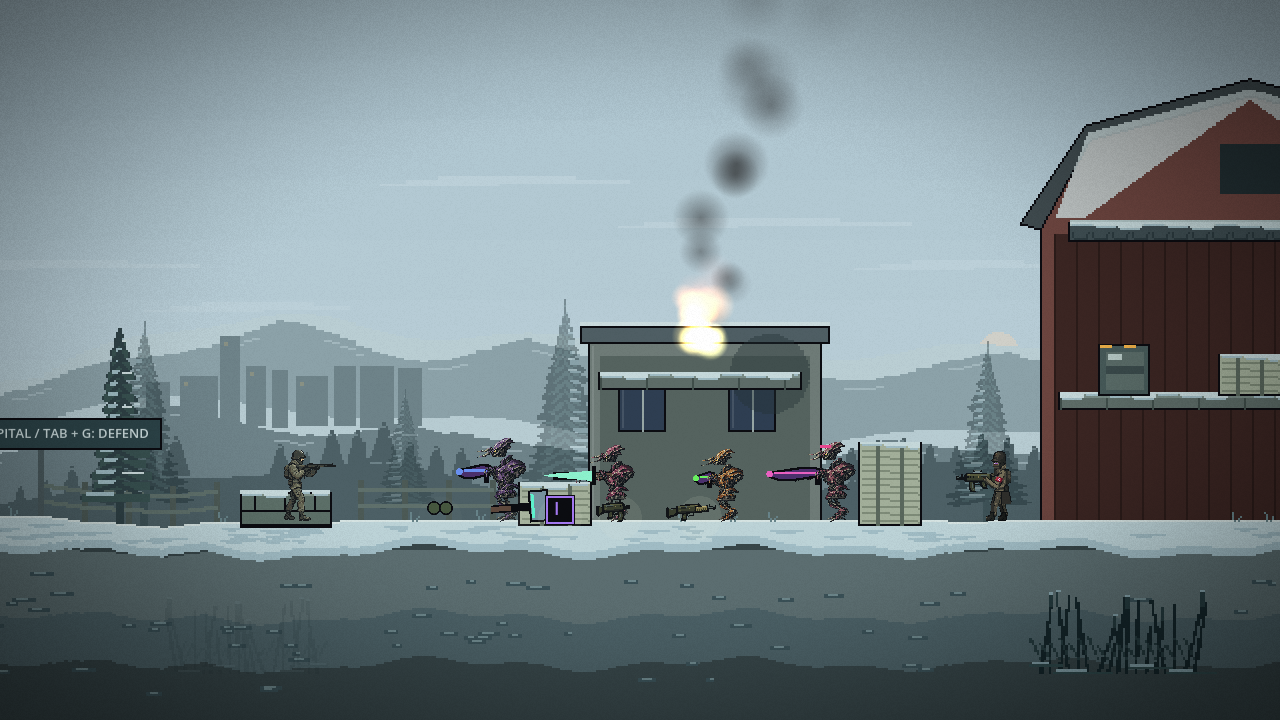
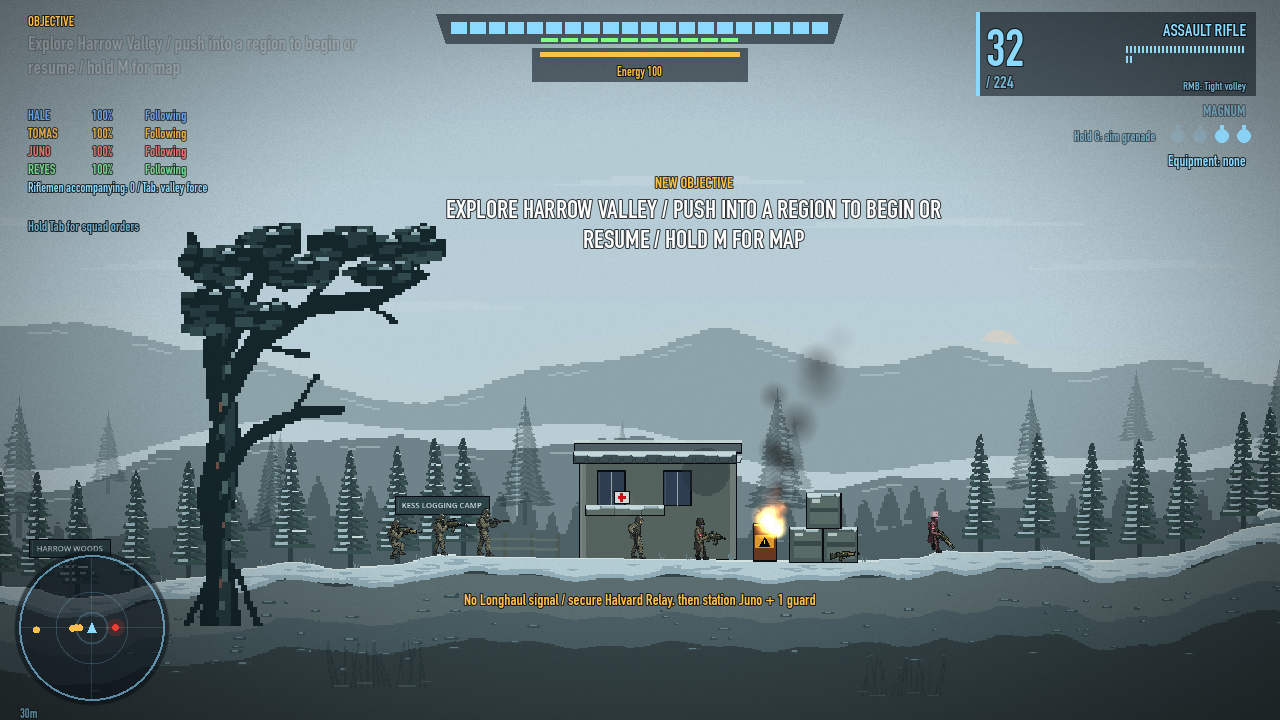
Lead Lantern Squad of the Valhalla Security Forces through a snowy home valley under alien invasion. Harrow is a side-scrolling squad shooter with freely aimed weapons, squad orders, and an interconnected campaign.
Secure the farm, restore the relay, and clear the riverbed in any order. Recruit riflemen, assign defenders, and call the Longhaul dropship to move your squad between operations before pushing toward the final offensive.
Play the development build
Free downloads for macOS (Apple silicon and Intel) and Windows (64-bit). This is an early development build. Artwork, balance, performance, and the campaign are still being refined. Windows runtime testing is pending; controller support is unverified. Keyboard and mouse are recommended.
Controls
A/D to move, Space to jump, Shift to sprint, left mouse to shoot, right mouse for secondary fire, R to reload, Q to swap weapons, and E to interact. Hold G to aim a grenade and release to throw. Hold Tab for squad orders, hold M for the valley map, and press Esc to pause. Open Settings to remap controls, adjust audio, or reduce screen effects.
Install
Use the itch.io desktop app, or download and extract the archive for your platform. On macOS, launch Harrow.app. On Windows, keep Harrow.exe and Harrow.pck together and launch Harrow.exe.
The macOS build is ad-hoc signed and is not notarized by Apple. macOS may block direct downloads. See the Godot guide to running downloaded Mac apps for details.
Download
Install instructions
Extract the ZIP before launching the game.
macOS: Open Harrow.app. This universal build supports Apple silicon and Intel Macs. It is ad-hoc signed and is not notarized by Apple; see the installation note on the game page if macOS blocks the download.
Windows 64-bit: Keep Harrow.exe and Harrow.pck in the same extracted folder, then launch Harrow.exe.
Keyboard and mouse are recommended. Open Settings to remap controls and adjust audio and screen effects.
Leave a comment
Log in with itch.io to leave a comment.